
YouTube to MP4 Downloader
Offline MP4 for TV and Laptop—Without Buffering the Same Tutorial Twice
Need the clip on a plane or lousy Wi-Fi? Download MP4 with quality options; batch links you own rights to. YouTube MP4 downloader for Windows—try the trial responsibly.
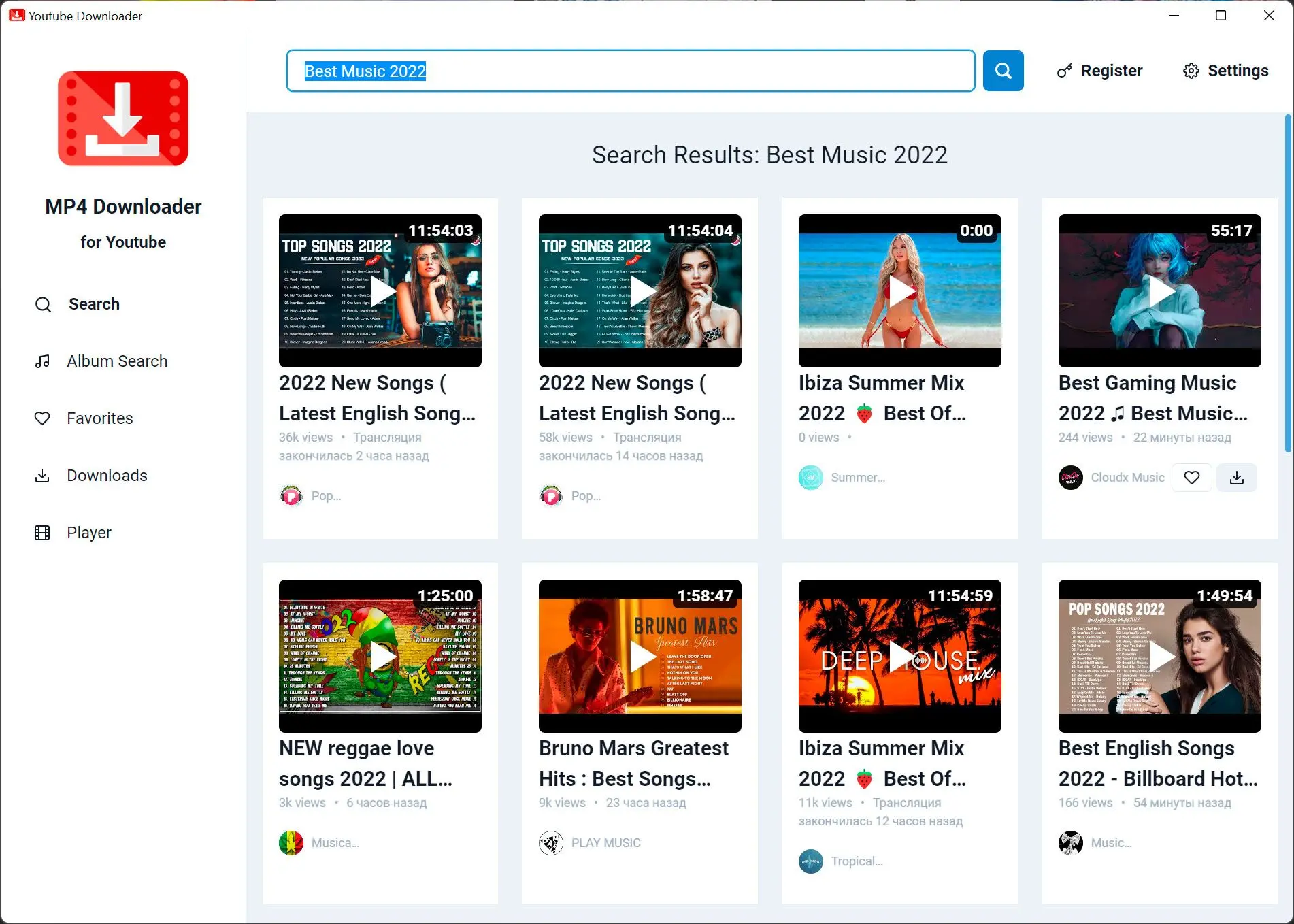
Queue several items when you are gathering allowed footage for editing or travel.
Respect copyrights
Save only video you are permitted to keep—platform terms and local law still apply.
How to use it
Paste or add a source
Add the video URL or supported file you are allowed to download or convert.
Pick MP4 options
Select resolution, bitrate, and destination so editors and TVs can open the file.
Download and check
Start the queue, skim playback, and free space if you are batching many items.
Benefits
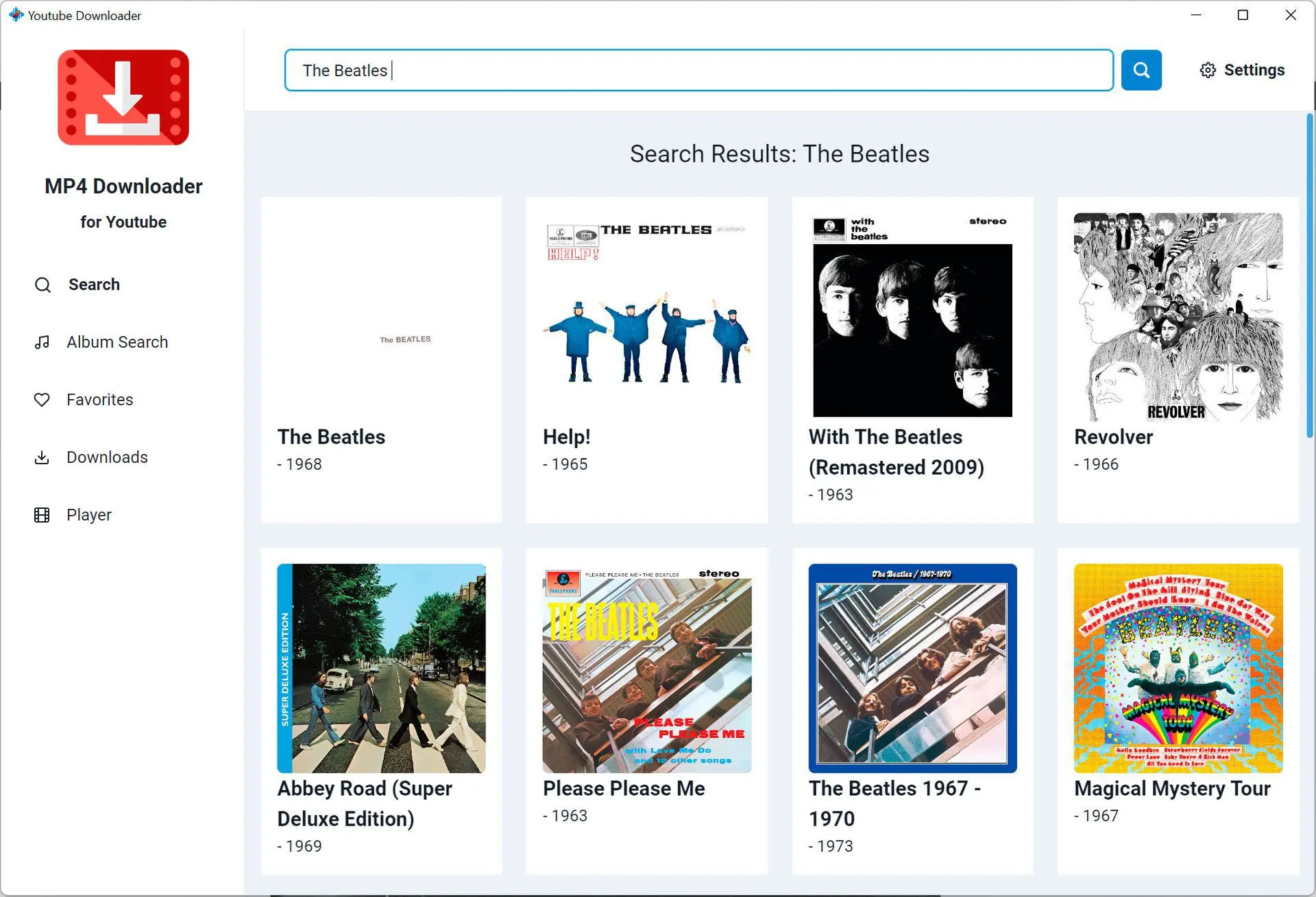
Watch without the buffer
Keep MP4 copies of content you may store for flights, classrooms, and slow networks.
Match the screen
Choose presets that fit TV, laptop, or phone instead of one-size-fits-all giant files.
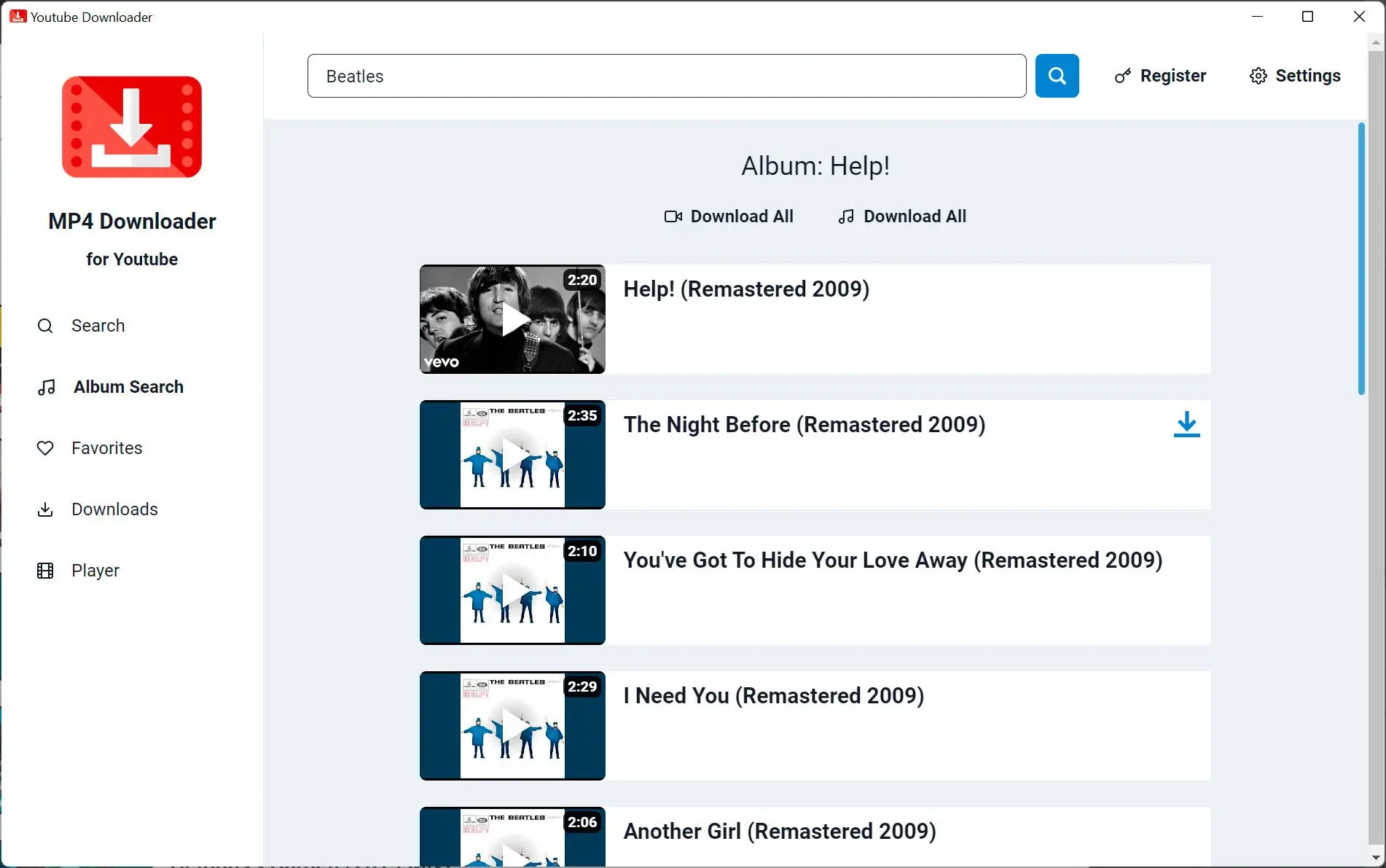
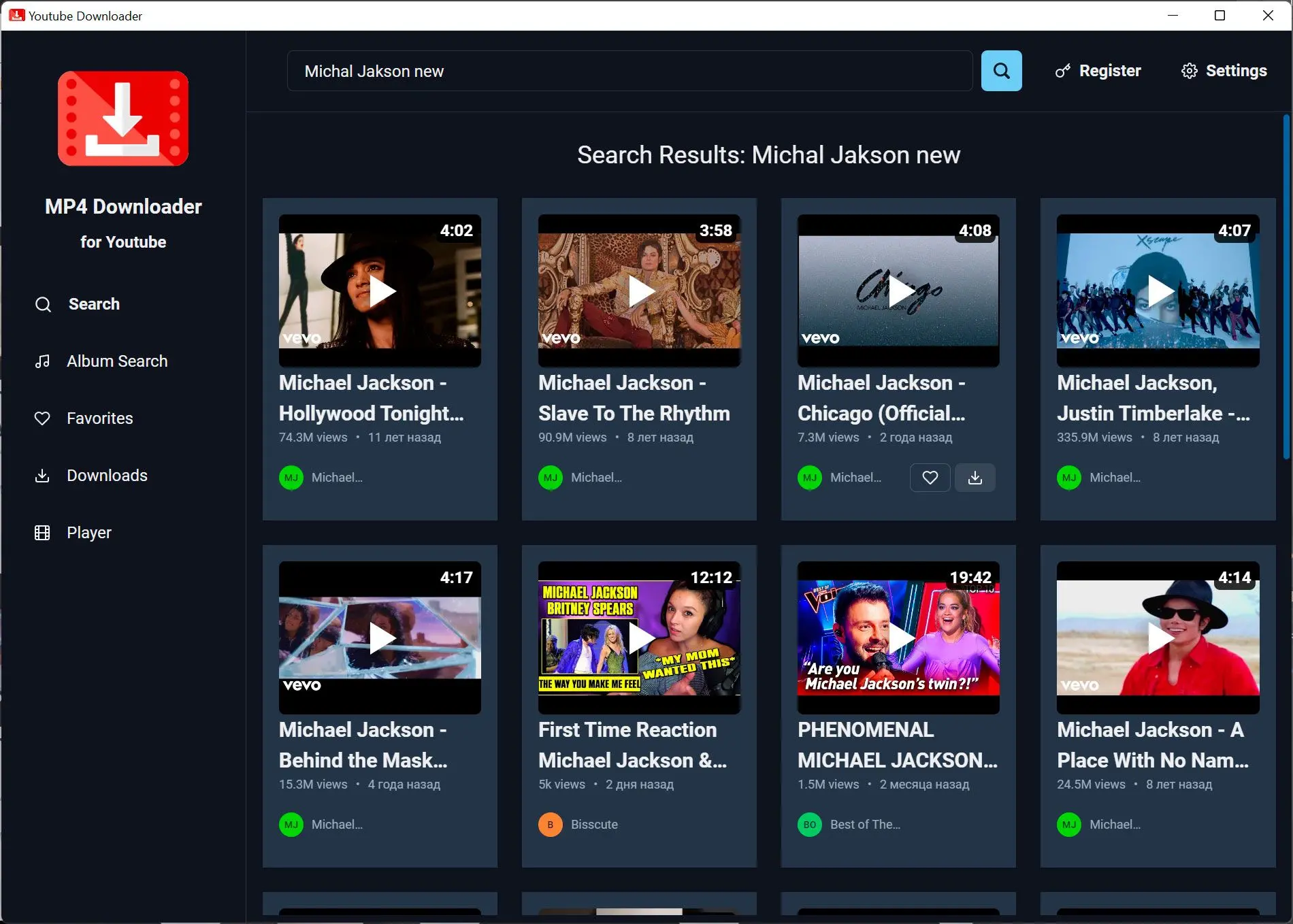
Batch responsibly
Queue multiple allowed items, then verify disk space before you walk away.
Why people use it
Quality presets
Pick resolution and bitrate that match storage and screen size.
MP4-friendly players
Smart TVs, tablets, and editors usually open H.264 MP4 without drama.
Local files
Outputs land on disks you control—no mystery cloud folder.
FAQ
System Requirements
YouTube to MP4 Downloader
Languages
4.1
94.1 Mb
February 13, 2026
- Windows 11/10/8.1/8/7 (32/64 bit)
- Intel i3, AMD Ryzen 5 or above
- 4 GB of RAM or above
- NVIDIA® GeForce® series 8 and 8M, Intel® HD Graphics 2000, Quadro FX 4800, Quadro FX 5600, AMD Radeon™ R600, Mobility Radeon™ HD 4330, Mobility FirePro™ series, Radeon™ R5 M230 or higher graphics card with up-to-date drivers
- 1280 × 768 screen resolution, 32-bit color
- 1 GB of free hard disk space or above
Trial builds may watermark output or limit saves until you activate a license. Requirements refer to the current Windows release line.