
YouTube to MP3 Downloader
Keep Lectures and Playlists as MP3—Not Gigabytes of Video You Never Reopen
Want the talk track without keeping the full video on your phone? Save MP3 with bitrate control; queue URLs you have rights to. YouTube MP3 downloader for Windows—use the trial responsibly.
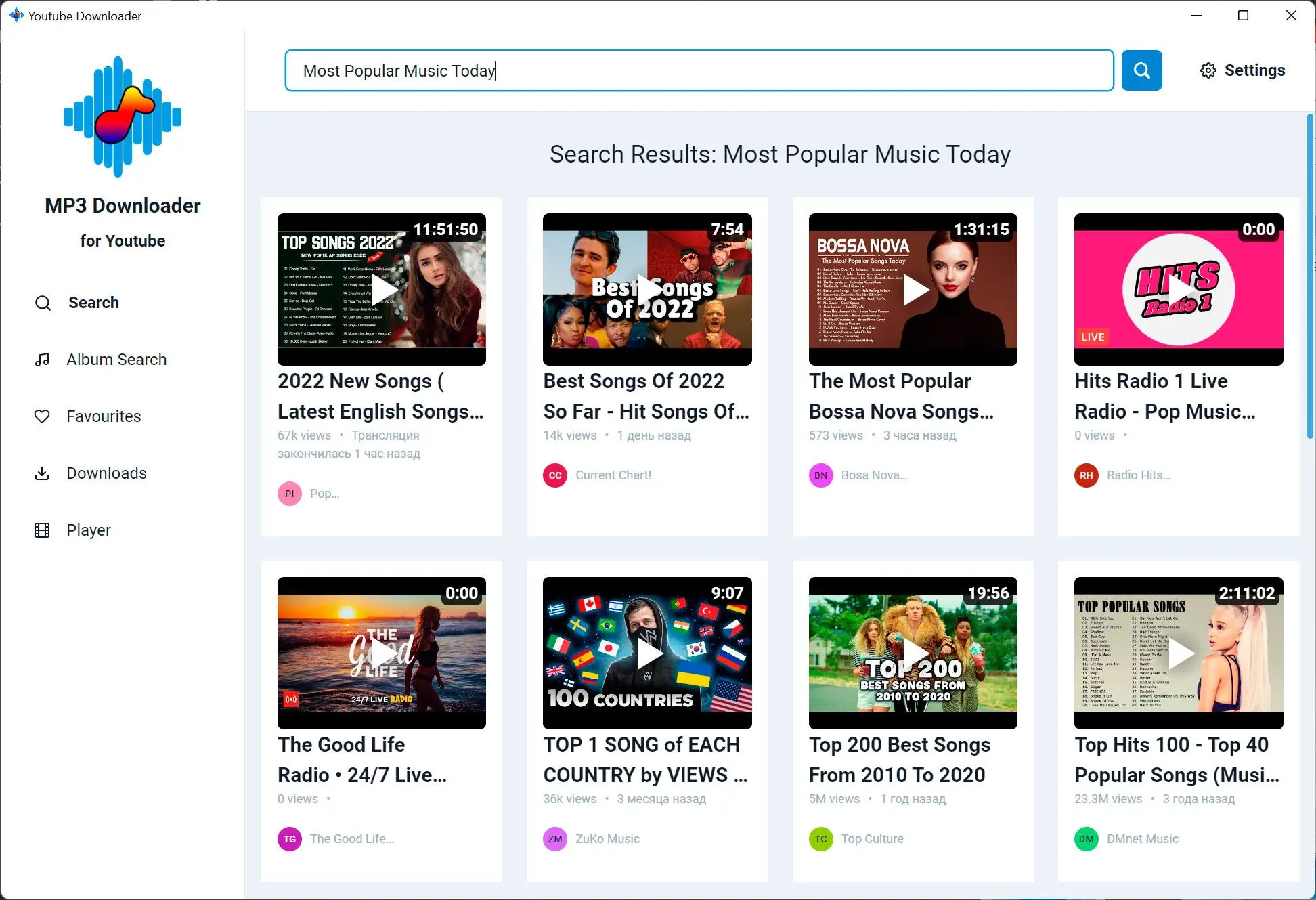
Add multiple links when you are archiving content you created or are allowed to save.
Respect copyrights
Only download audio from sources you may store locally—rules differ by country and platform.
How to use it
Paste or add a source
Provide the video URL or file the app accepts for MP3 extraction.
Choose MP3 quality
Set bitrate or preset and pick an output folder your music library watches.
Extract and verify
Run the job, play the file, and adjust settings if the size or clarity is off.
Benefits
Audio-only archives
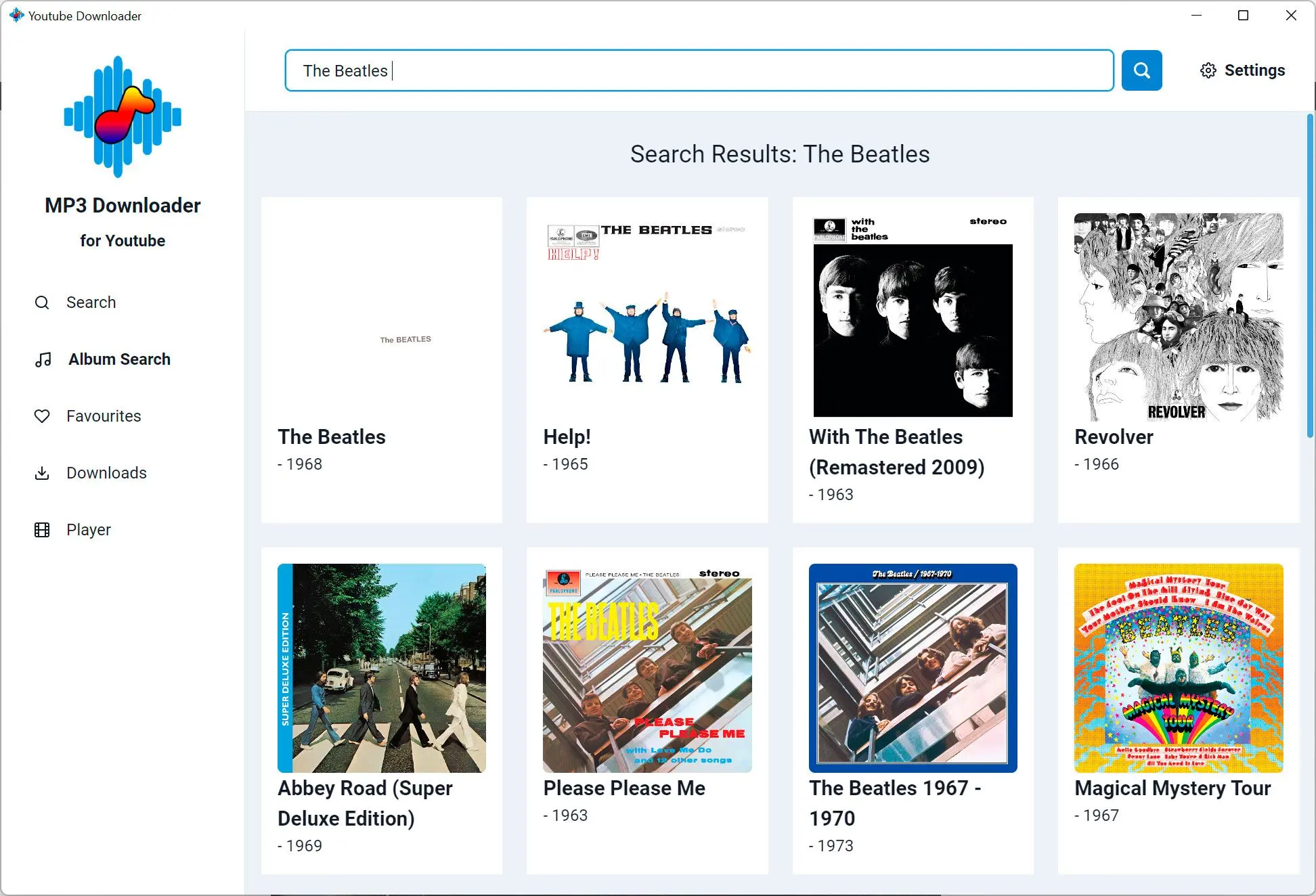
Turn allowed videos into compact MP3s for commutes, gym sessions, and language drills.
Bitrate you control
Dial quality up for hi-fi listening or down when phone storage is tight.
Predictable folders
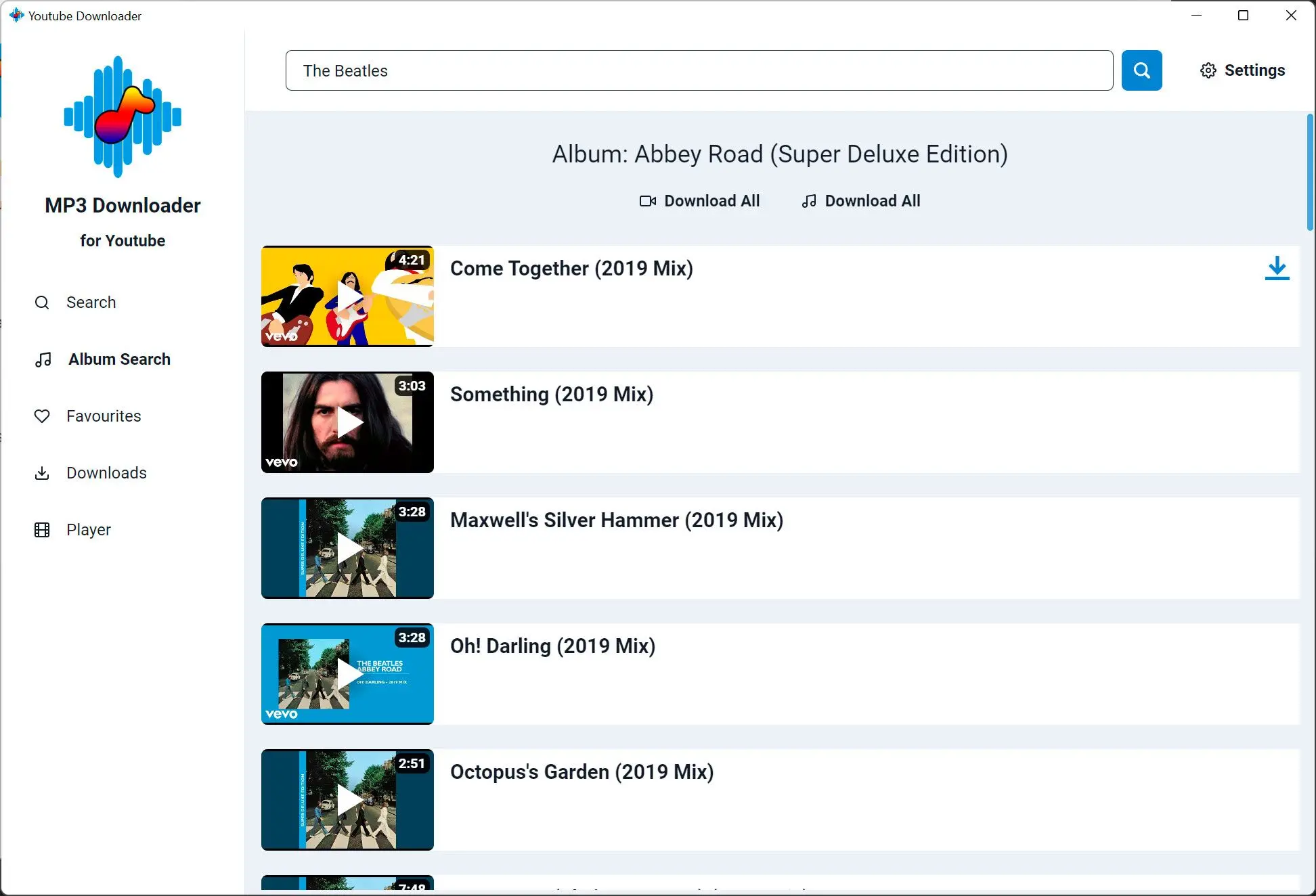
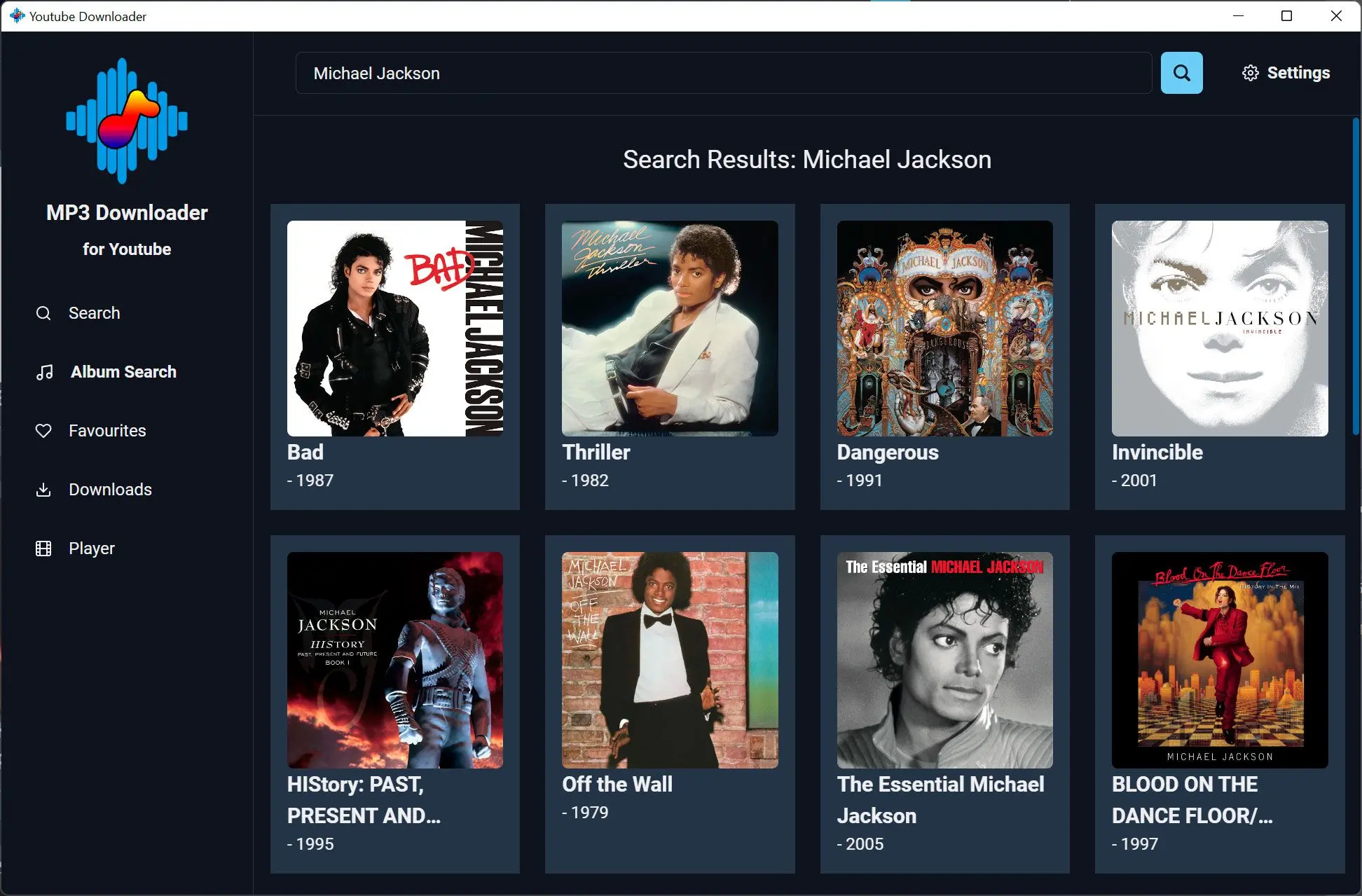
Point exports at a library path so backups and sync tools stay organized.
Why people use it
Bitrate choices
Trade file size against clarity before you fill the SD card.
MP3 everywhere
Cars, old phones, and cheap players still expect MP3.
Windows-first workflow
Send exports to folders you already sync or back up.
FAQ
System Requirements
YouTube to MP3 Downloader
Languages
4.1
94.1 Mb
March 8, 2026
- Windows 11/10/8.1/8/7 (32/64 bit)
- Intel i3, AMD Ryzen 5 or above
- 4 GB of RAM or above
- NVIDIA® GeForce® series 8 and 8M, Intel® HD Graphics 2000, Quadro FX 4800, Quadro FX 5600, AMD Radeon™ R600, Mobility Radeon™ HD 4330, Mobility FirePro™ series, Radeon™ R5 M230 or higher graphics card with up-to-date drivers
- 1280 × 768 screen resolution, 32-bit color
- 1 GB of free hard disk space or above
Trial builds may watermark output or limit saves until you activate a license. Requirements refer to the current Windows release line.